Features
Meet clients, run your team and present webinars — from one console
Guests join from a browser on a computer or phone. Hosts get a lobby, passcodes and real controls; recordings and replays are kept for the period you set.
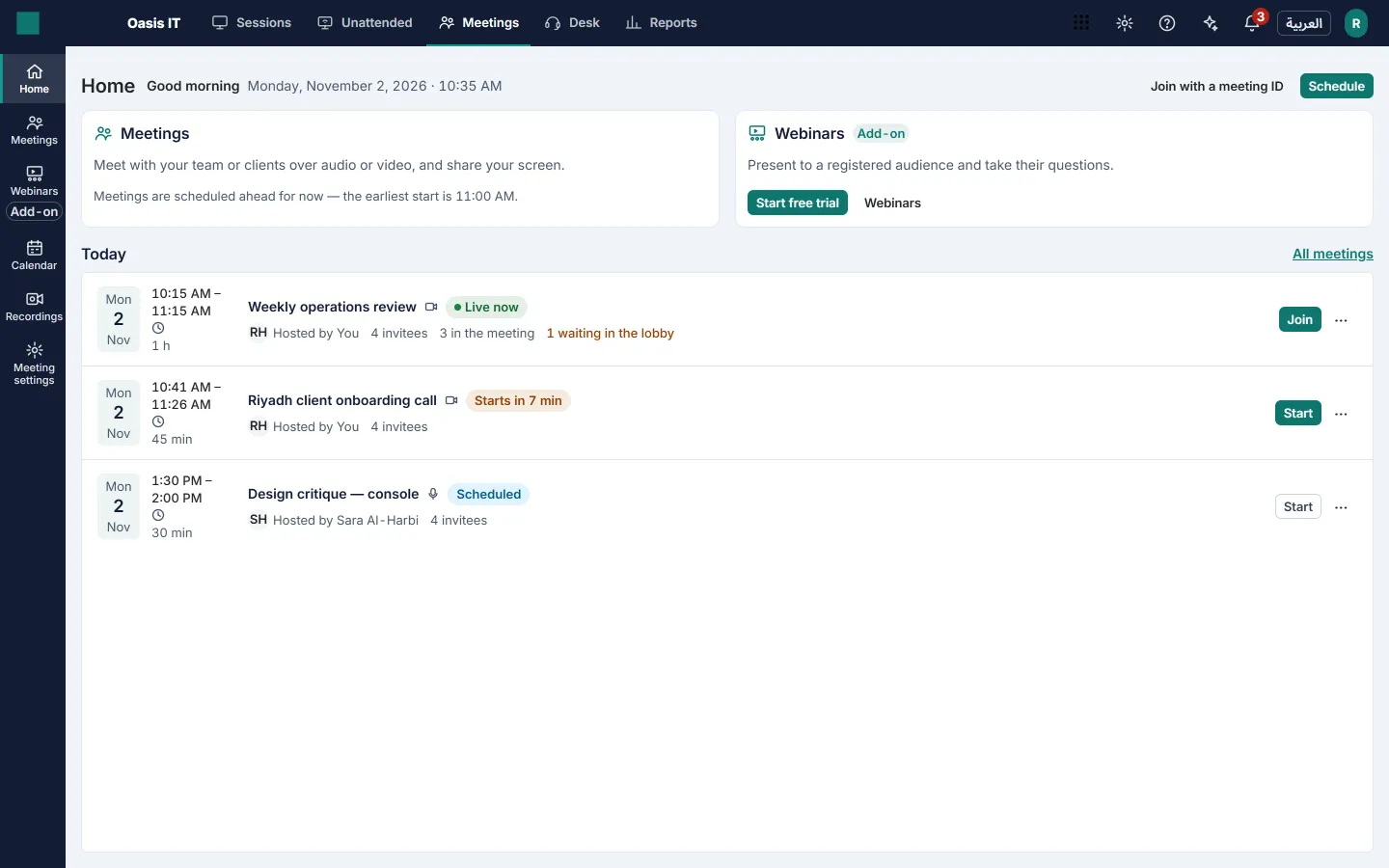
Schedule in seconds, or meet now
Scheduled, instant and recurring meetings, and a personal room that is always yours.
- Audio or video meetings, daily, weekday, weekly or monthly.
- Email invitations with a calendar file and add-to-calendar links.
- Invitees answer yes, no or maybe; reminders go out before the start.
- Edit one meeting of a series, the ones that follow, or all of them.
Guests join from a browser
A link or a meeting code is all a guest needs — on a computer or a phone, no account.
- A device check before joining: camera, microphone and speaker.
- Join by link or by code; each invited guest can get their own single-use link.
- The room is in Arabic or English, right to left in Arabic.
A meeting room that keeps everyone on track
Screen sharing, chat and the participants list in one room, with the host in charge.
- Screen sharing for the host only, or for everyone.
- Chat, a raised hand and reactions.
- Meeting notes and the attendance list afterwards.
Host controls that really hold
Hosts and co-hosts manage the room, and the media server enforces it — not just the screen.
- Admit or deny people waiting in the lobby; lock the meeting.
- Mute one person or everyone, stop a video, remove a participant.
- Make someone a co-host, hand over the host role, or end the meeting for all.
Cloud recording
Record the meeting and everyone sees that it is being recorded.
- Video meetings record in full HD; audio meetings record sound only.
- Recordings are stored encrypted and played through short-lived signed links.
- Download or delete a recording; it is removed automatically after your retention period.
Webinars for a registered audience
Registration, a stage for your panelists, and an audience that can ask and vote.
- A registration page with your logo and color, your own questions and approval.
- Panelists with speaker photos; a practice session before you go live.
- Q&A you can answer or dismiss, and polls with shared results.
- Let an attendee speak when you choose to.
- Replay on demand for registrants, a registrant export and an attendee report.
Help someone without leaving the meeting
Meet is part of Telvory, so remote support is one click away.
- Offer remote control to one participant; they accept on their own screen.
- Start a meeting or a call from a Telvory Desk ticket, linked to it.
- One sign-in and one invoice with the rest of Telvory.
Also in Telvory
Remote Support
Reach any screen your customer allows — or any enrolled machine, with nobody there.
Explore Remote SupportDesk
Turn email and web requests into tickets your team answers on time, in Arabic or English.
Explore Desk
Your next meeting, in the browser
Meetings and webinars in Arabic and English, on a global network, billed in riyals.